Creating a Hero Image to Guide Your Artistic Project
Summary
The Hero Image That Guides Your Project
Starting an artistic project means answering a deceptively difficult question: what does this thing actually look like when everything comes together? Characters, environments, visual style, color choices, contrast methods - these separate elements are straightforward to create individually. The real challenge is seeing how they all work as a unified whole. Without that clarity, projects stay stuck in planning purgatory - endless character designs and background sketches that never quite connect.
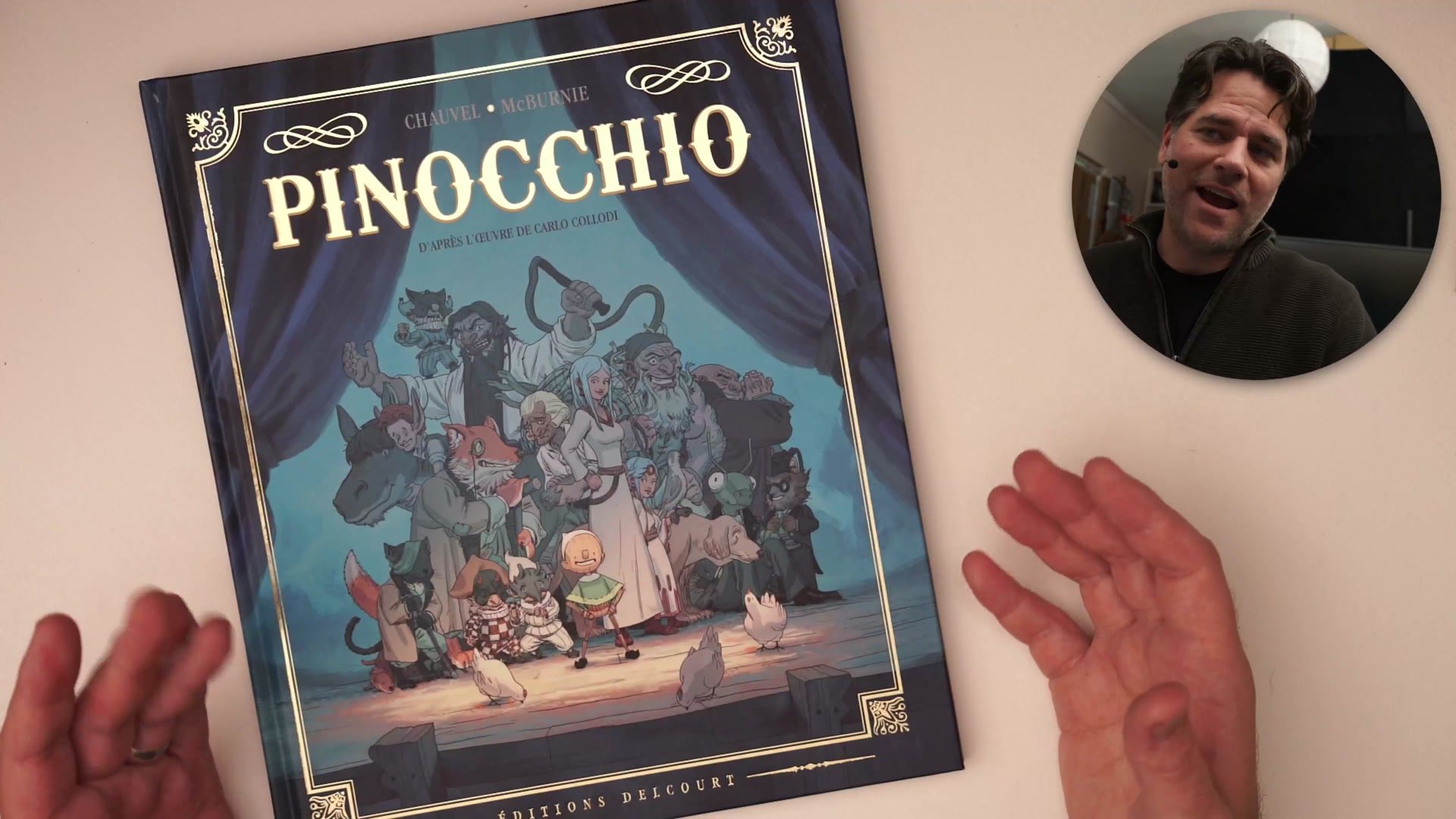
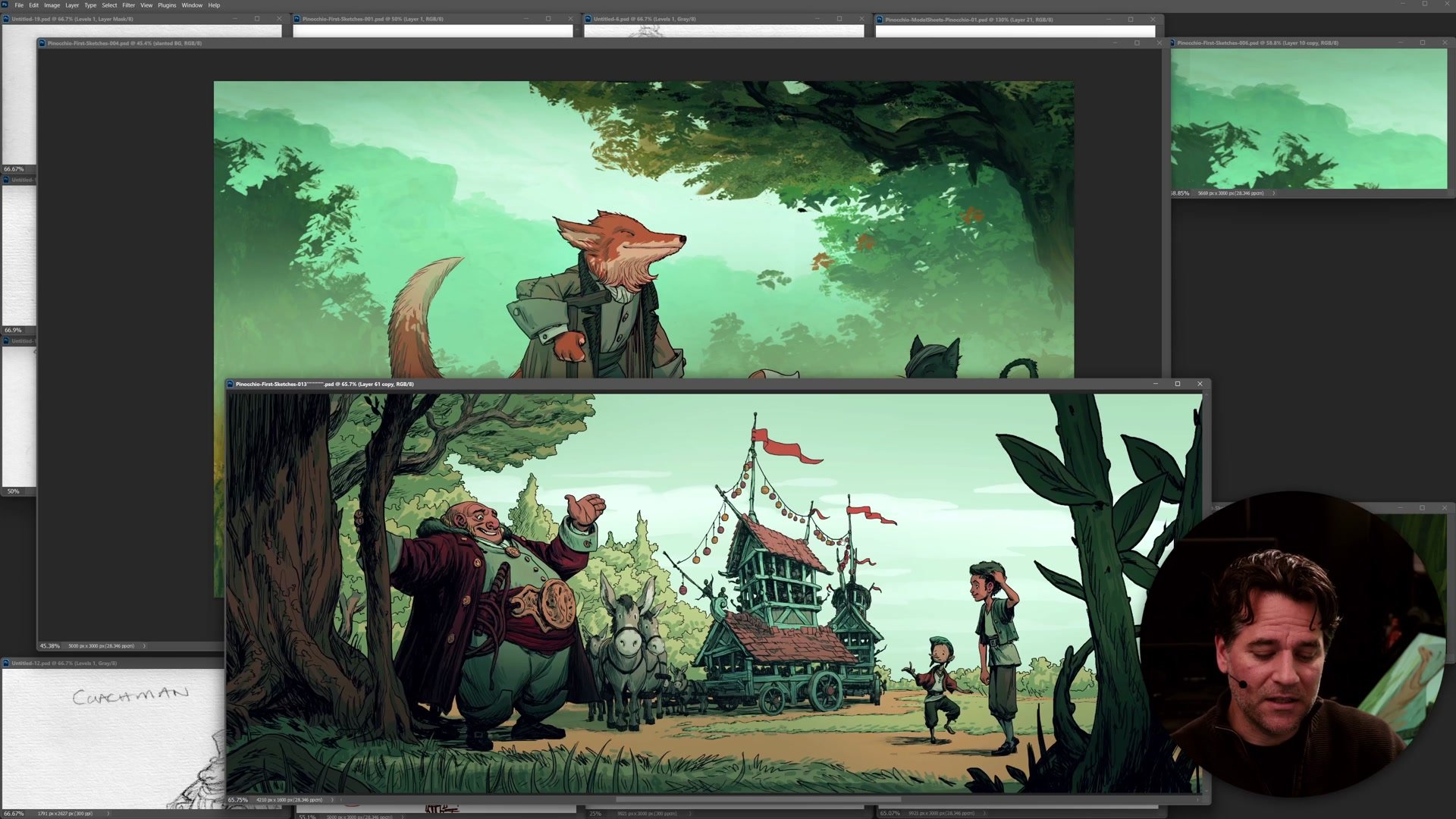
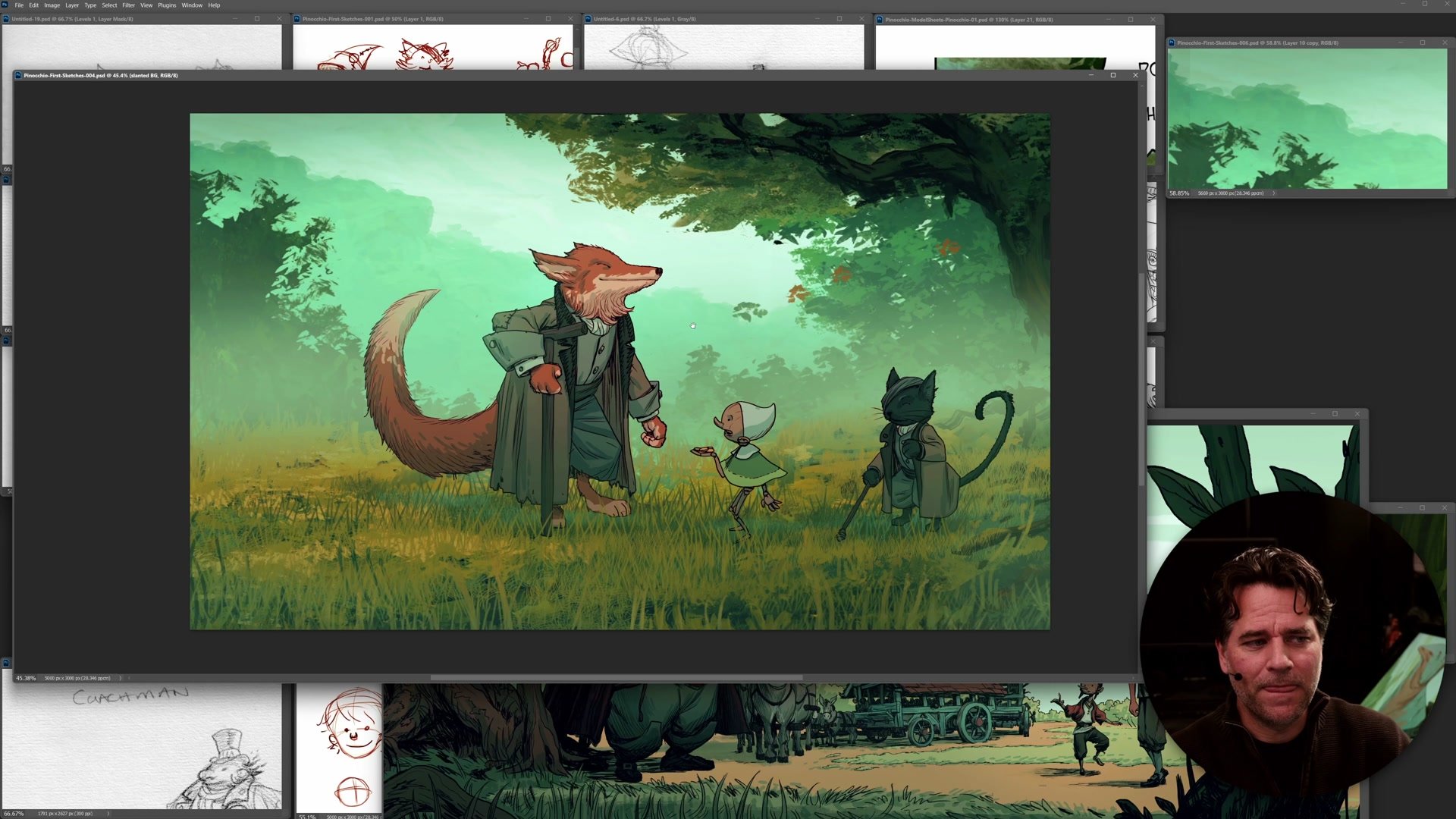
Creating a prototype hero image solves this problem. One complete, finished example that combines all major elements reveals whether the visual direction actually works. For the Pinocchio book project, this approach transformed months of oscillating between styles into clear, decisive direction. The strategy is simple but powerful: stop designing in pieces and create one heroic image that shows what the finished project will feel like.
The Pinocchio Project
Visual Aesthetic Carries the Story
The visual aesthetic of a project - color choices, contrast methods, texture amounts, darkness levels - carries as much weight as the actual content. When everything aligns with purpose, it creates the intended feeling. This is what great directors and artistic directors achieve in film: the movie feels a particular way because the visual aesthetic has personality.
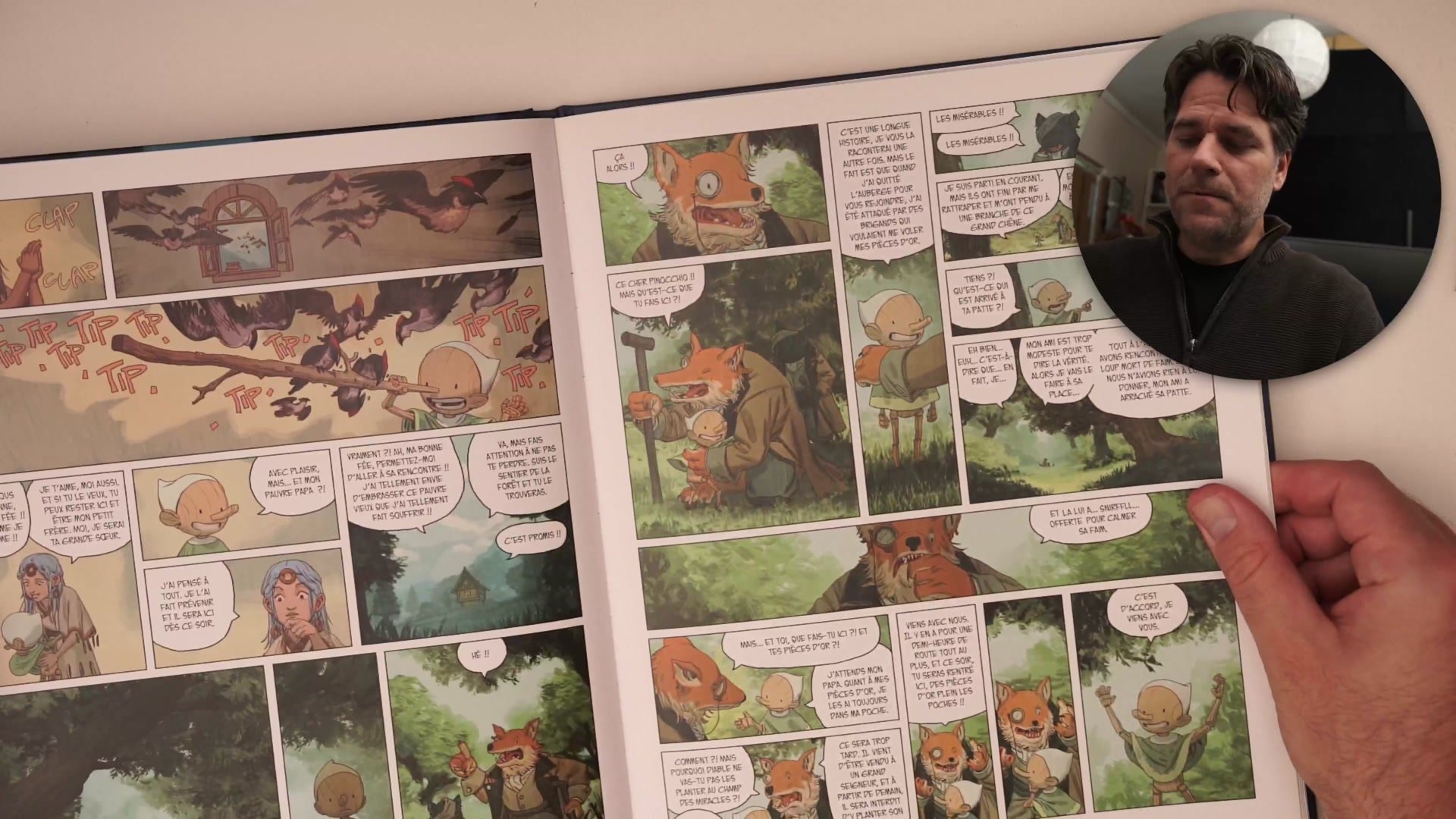
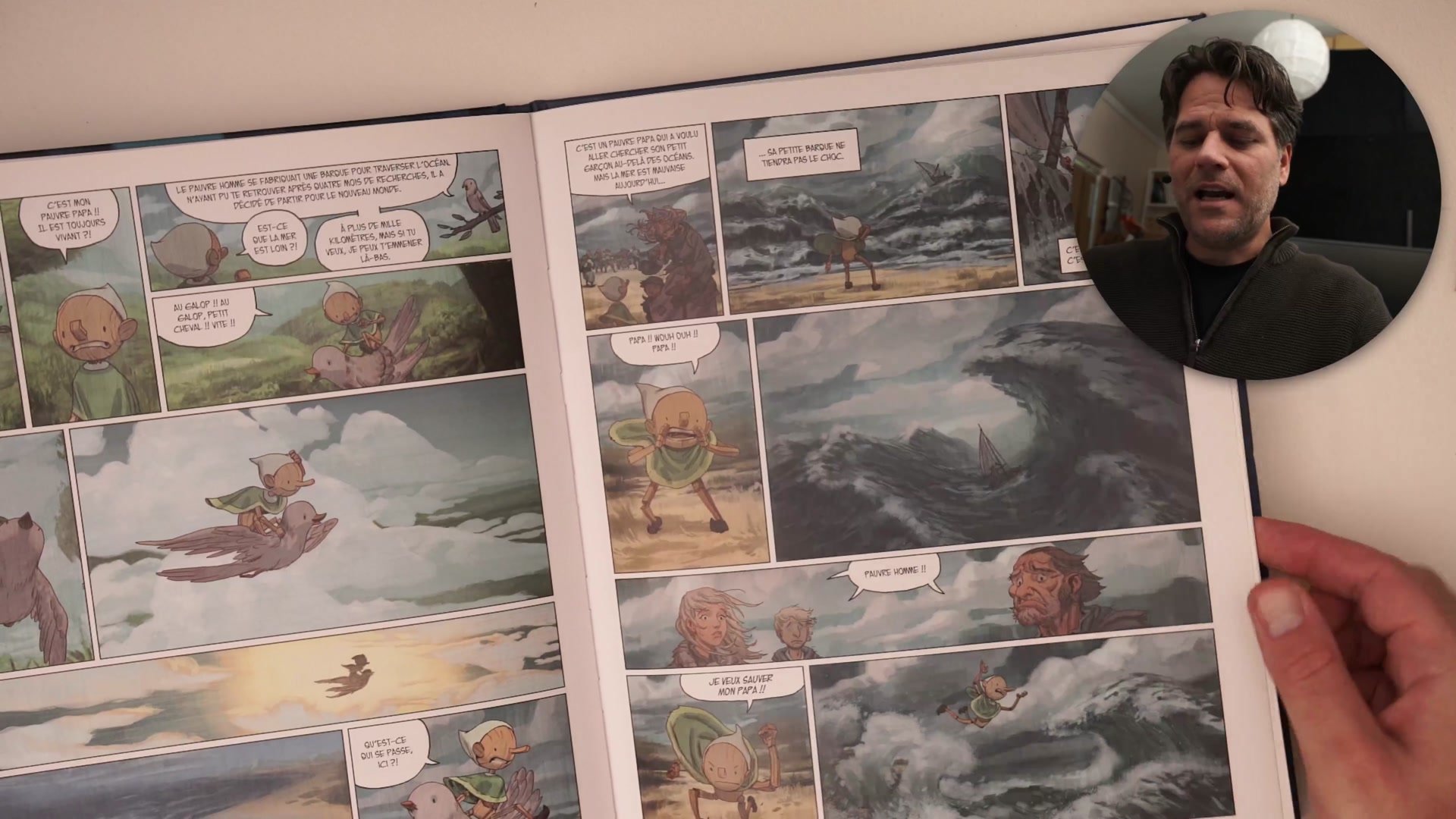
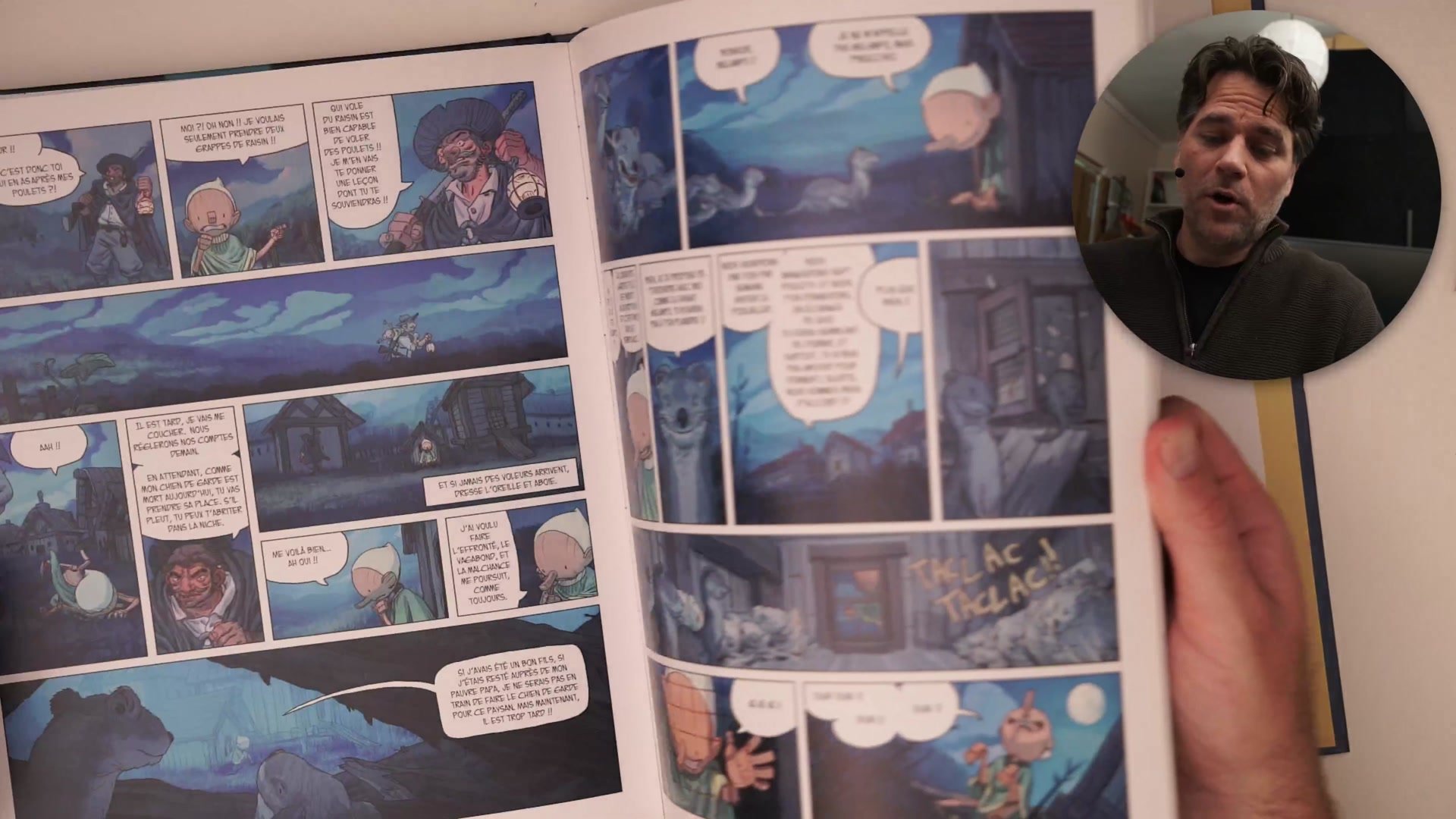
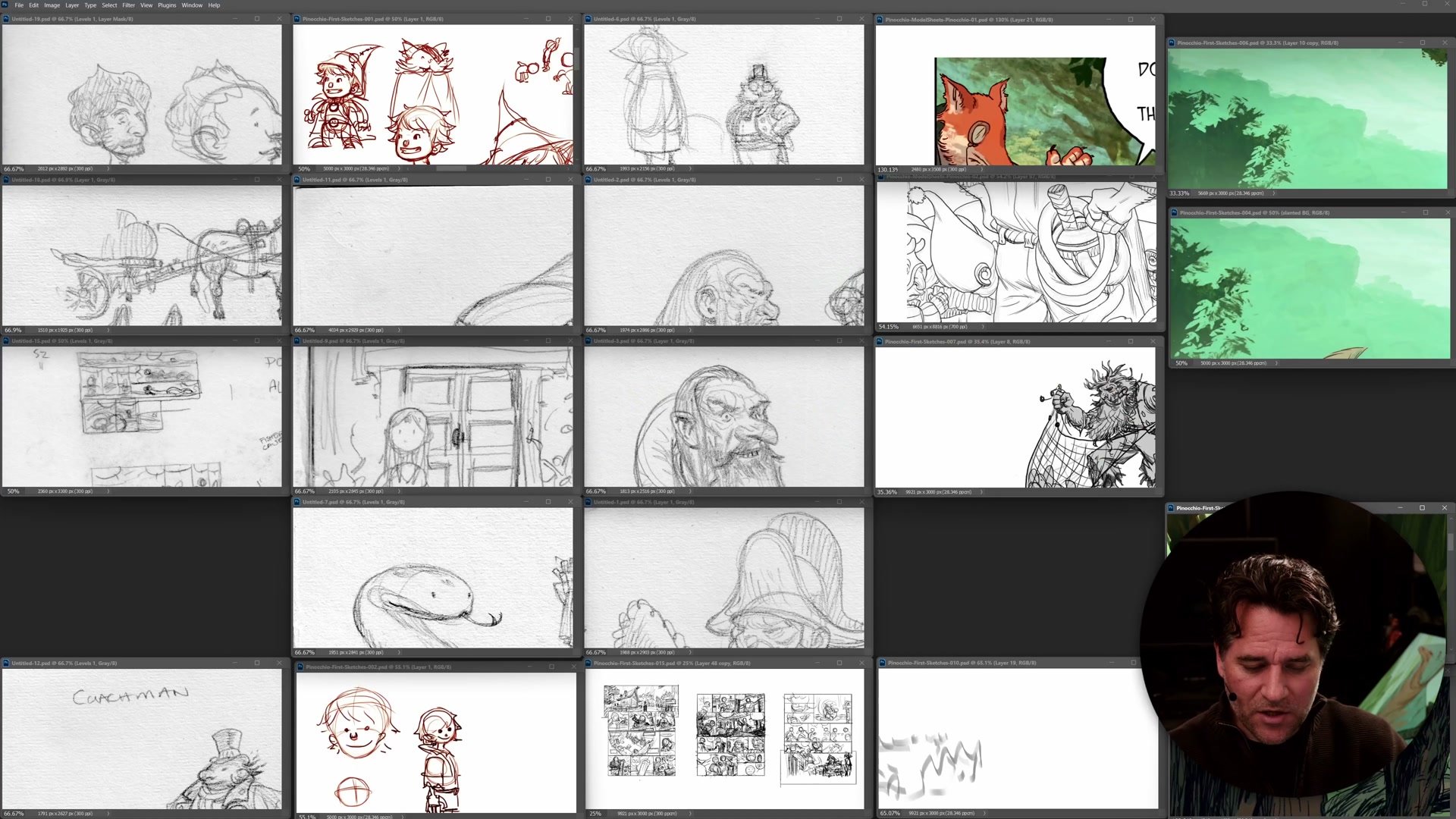
The Pinocchio project started with a blank slate and many styles under consideration. The previous book had used painted backgrounds with line characters - a classic animation look blending in painted effects. But there was real consideration about moving away from that. The challenge was not just designing characters and world, but defining the feeling. Should it be a dark fairy tale? Something more childlike and innocent? These questions cannot be answered by looking at isolated character designs and background sketches. They require seeing everything combined in a single, complete image.
Early Prototypes and Style Exploration
Multiple Prototypes Make Decisions Clear
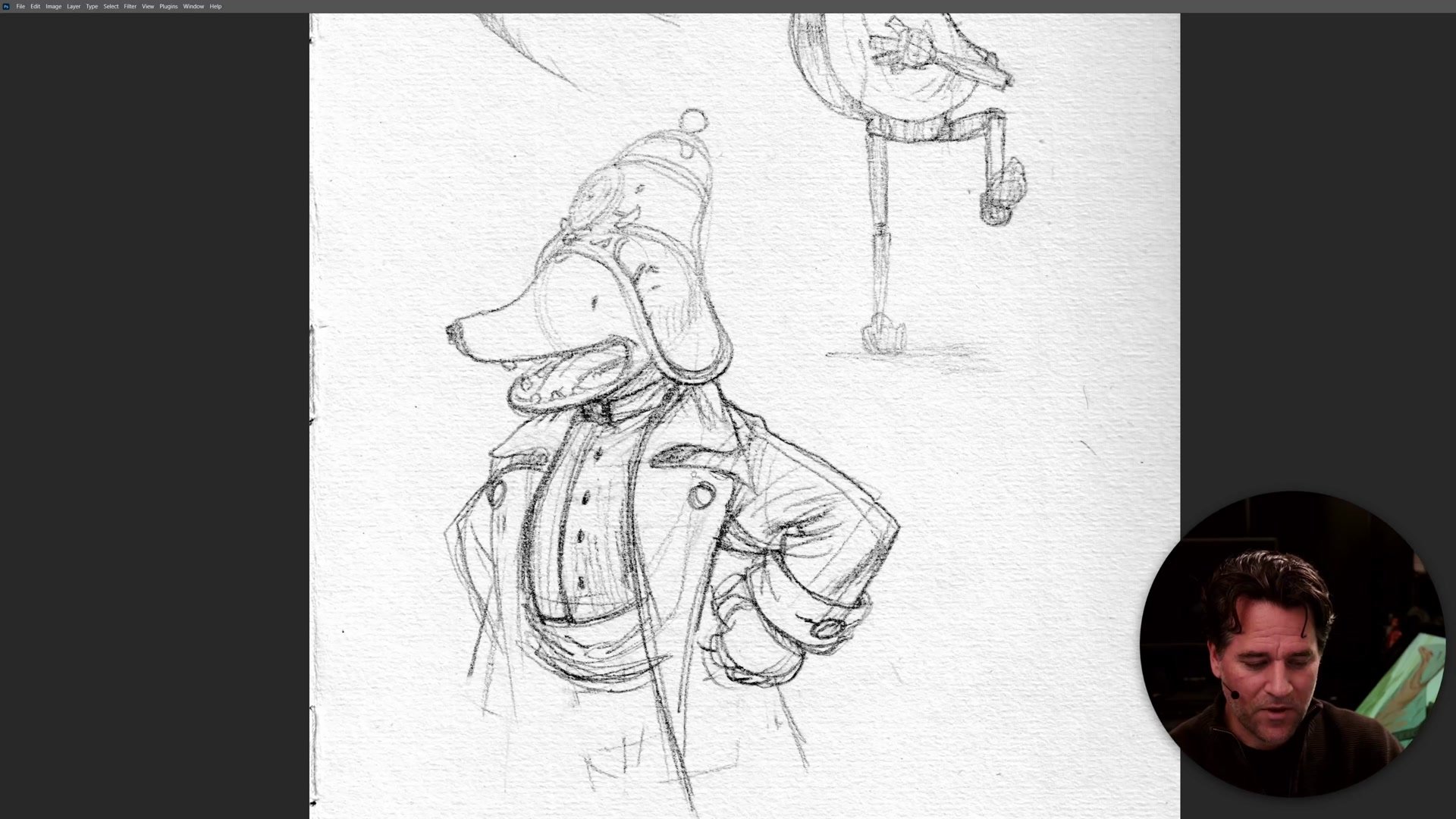
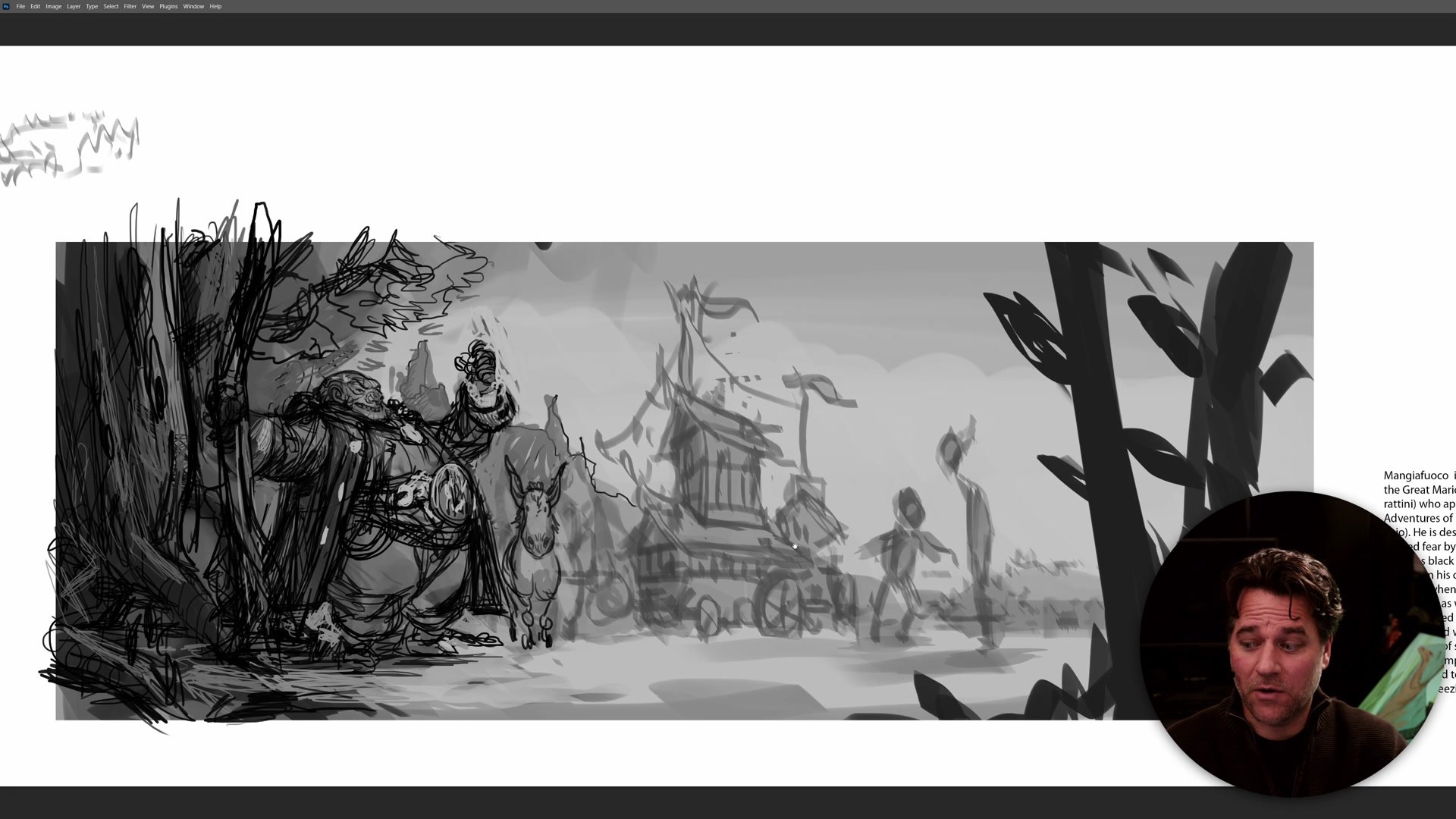
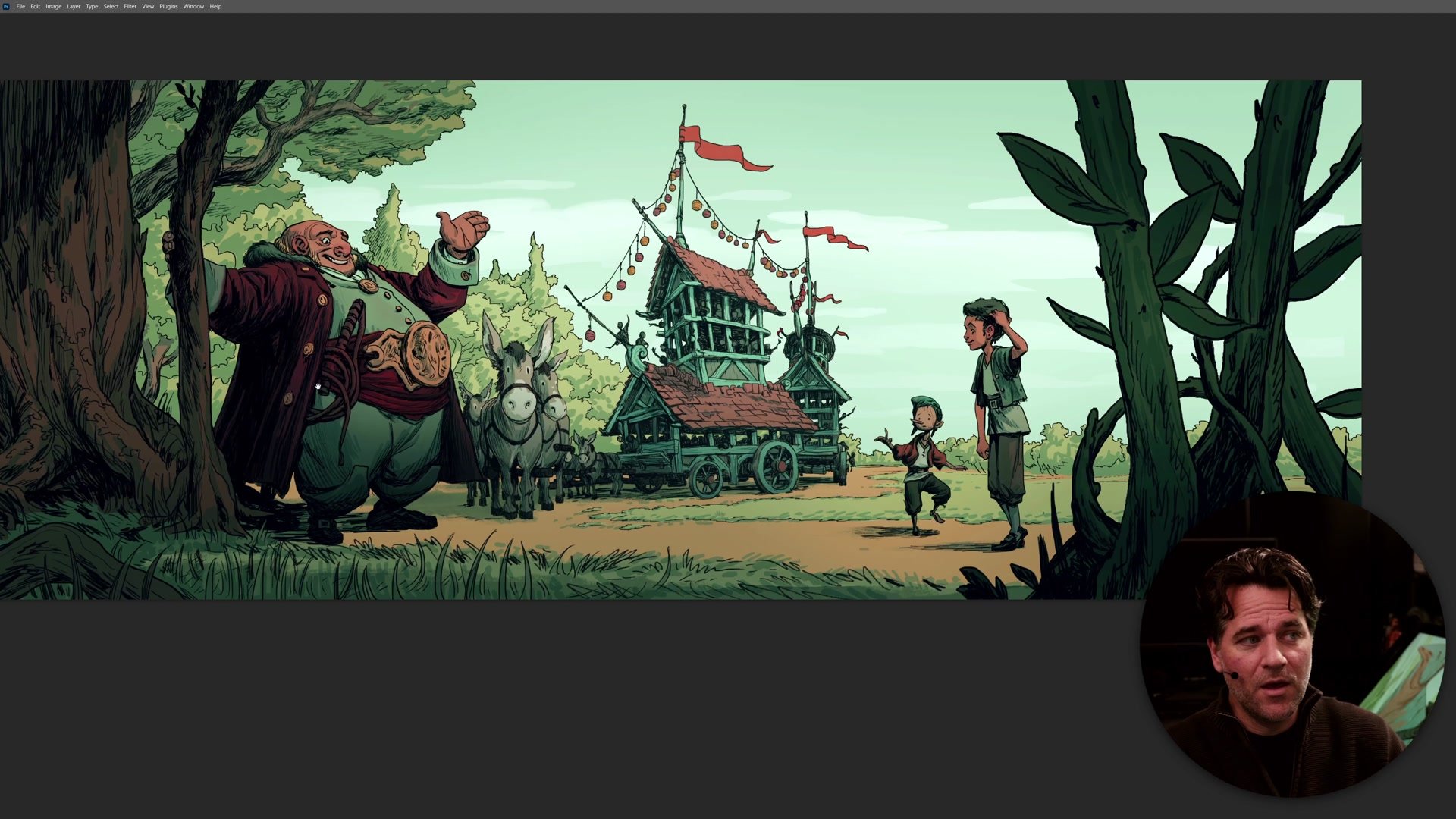
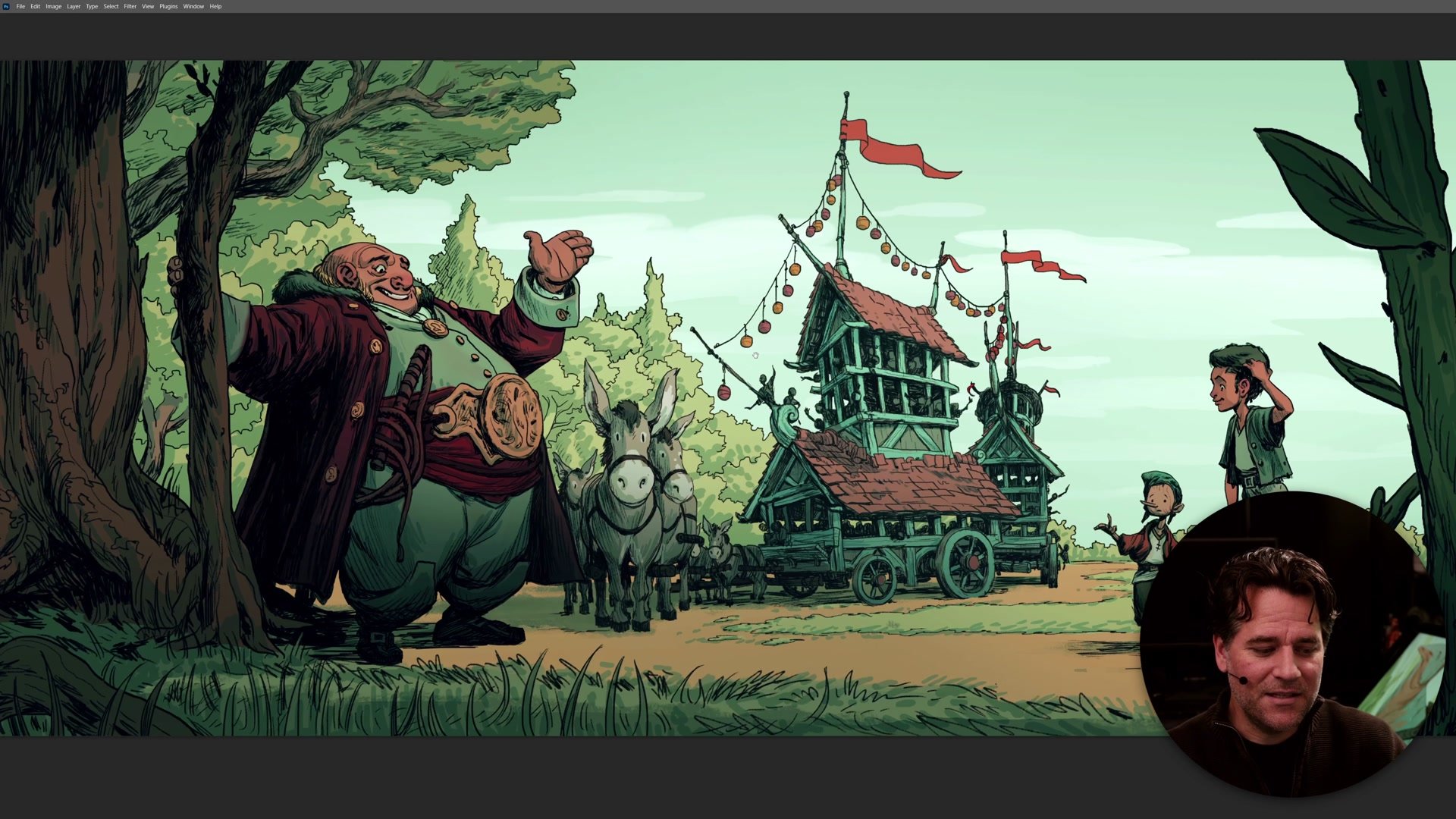
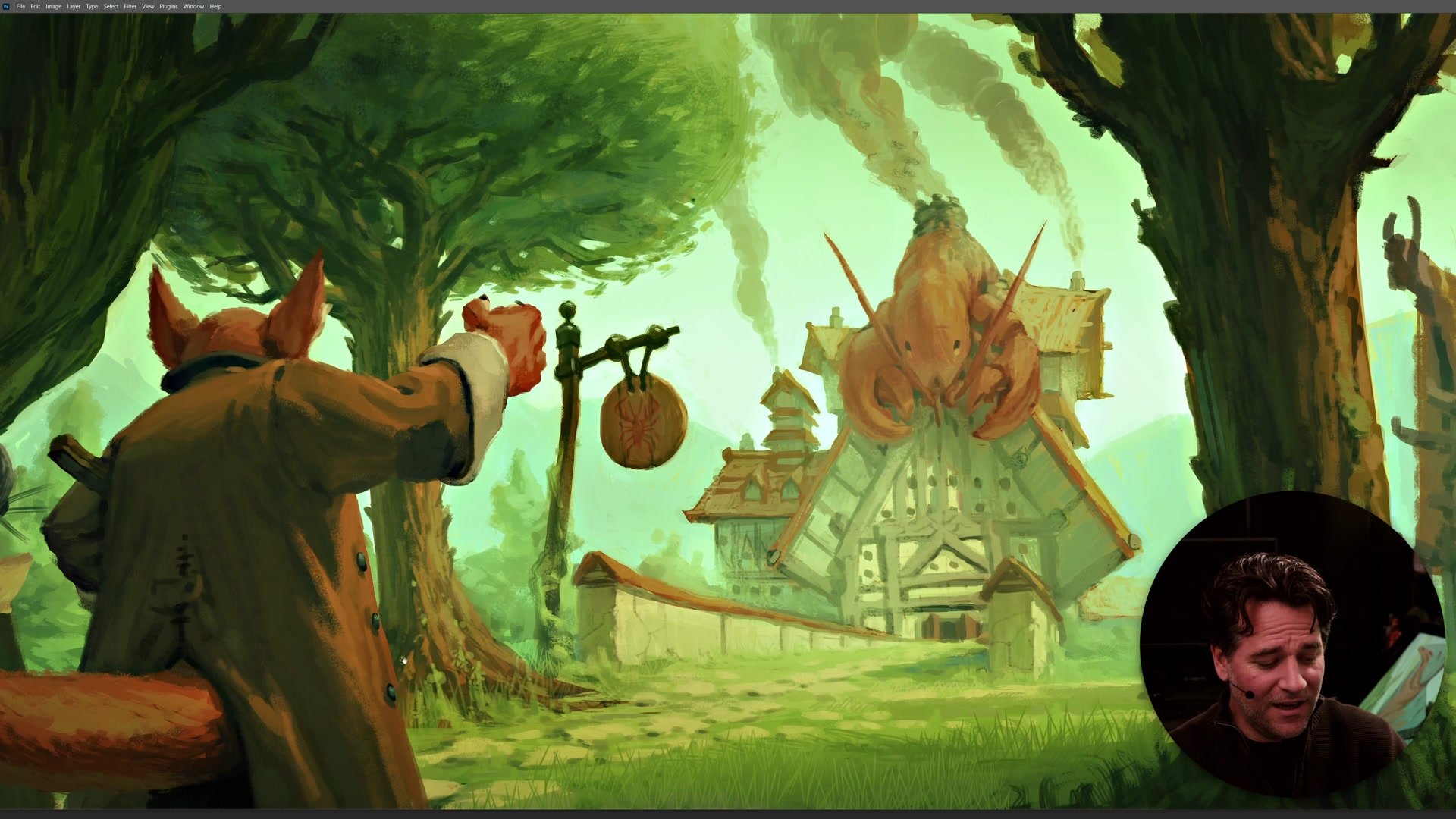
One early prototype attempted everything in heavy line work, exploring a dark fairy tale aesthetic with graphic weight and darkness. Another version explored fully painted backgrounds. A third found the sweet spot: a cleaner line style with selective painted elements for organic forms like trees and clouds, while hard surfaces stayed in line. This lifted the feeling of the book, made it more childlike, and removed some of the darkness - which aligned better with the story of childhood innocence encountering cautionary tales.
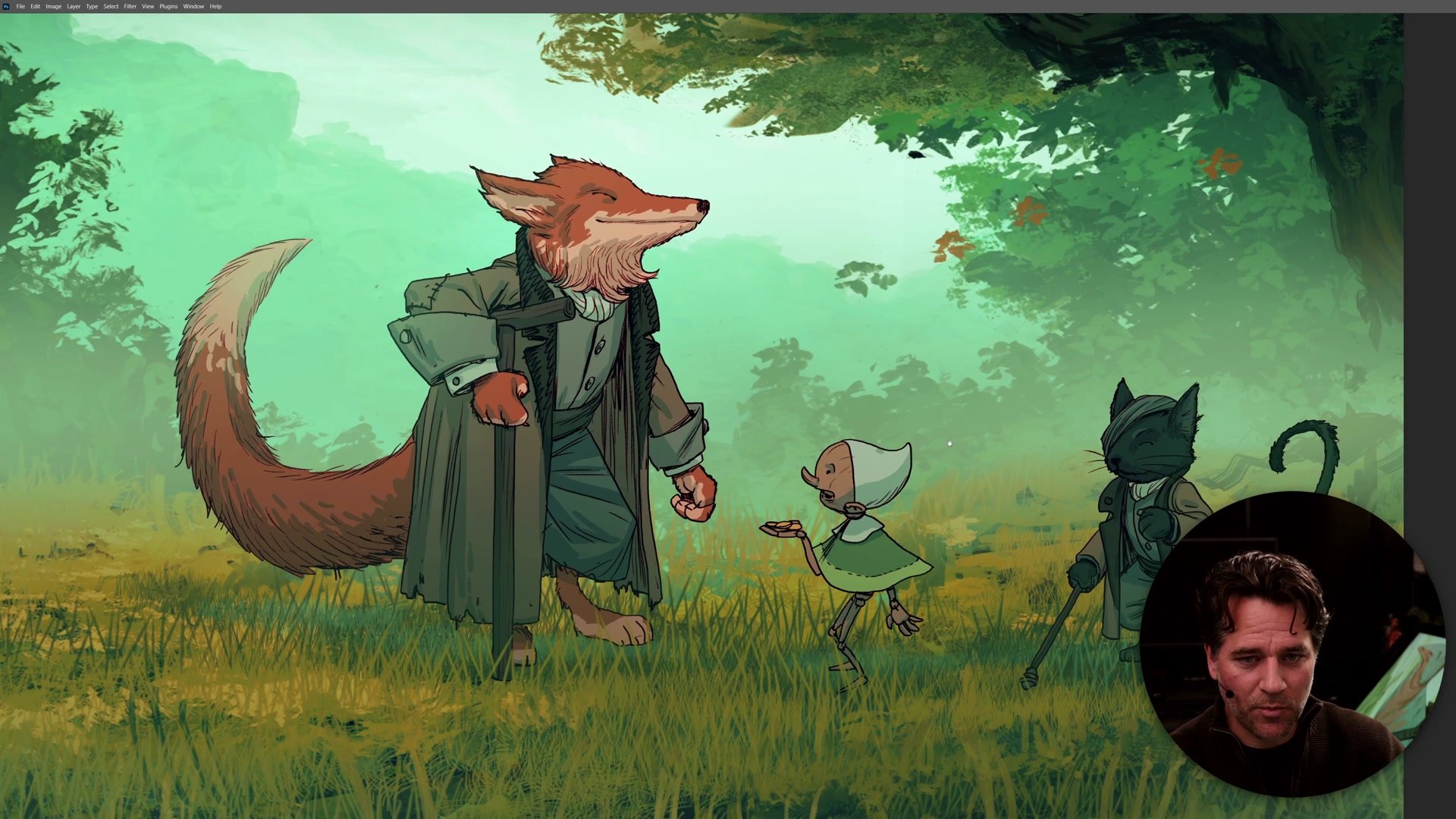
A separate prototype explored whether the fox and cat should be realistic animals or anthropomorphic characters. Realistic animals would create a more primal, grounded feeling. Anthropomorphic versions provided more appeal and supported the innocence theme. Having these different versions side by side made the choice obvious. The lighter approach with more character appeal served the story better. Without those prototypes laid out for comparison, that decision could have remained unresolved for months.
Comparing Different Approaches
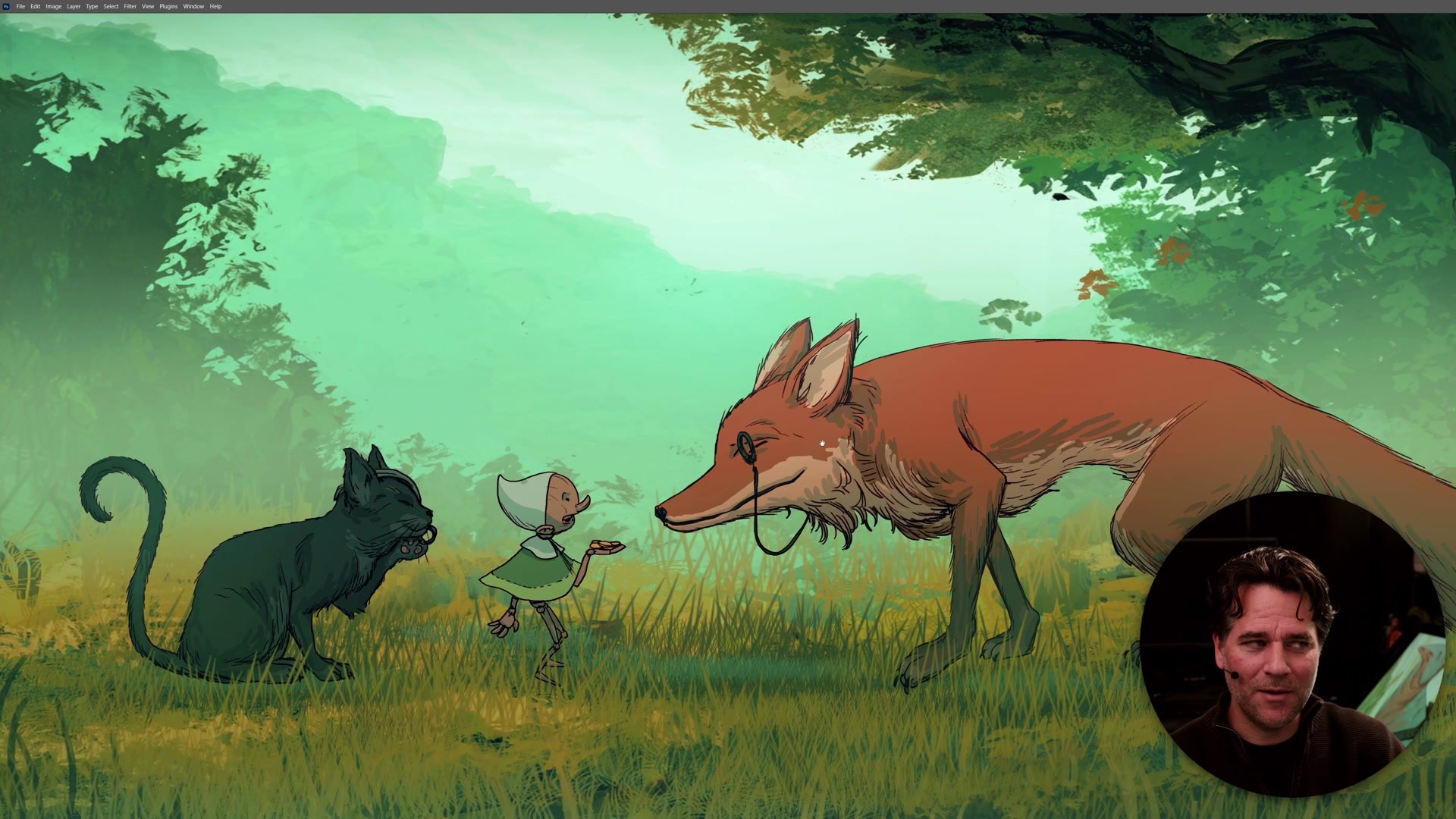
The Vertical Slice Gets You Moving
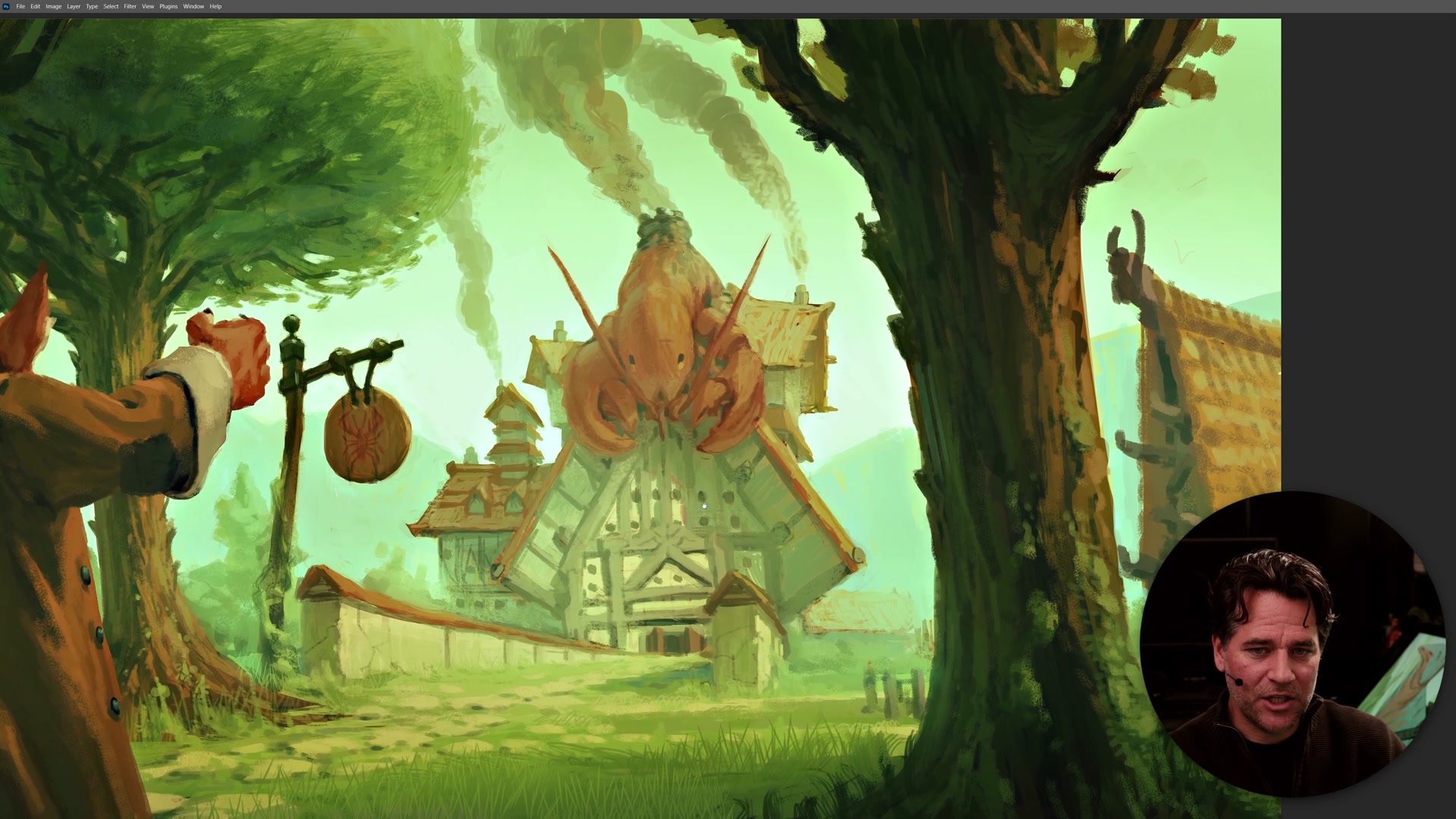
The concept behind the hero image is what game designers call a vertical slice - one complete, finished example of what the project will actually look like. Not a sketch, not a study, but a fully realized piece that shows how all elements work together. In tabletop game design, this means laying out actual cards to see table presence and feel. For comics, it means completing one full page rather than endless panel sketches. For illustration projects, it means creating one complete scene combining characters, environment, and visual treatments.
Once a working prototype exists, the path to completion becomes replication rather than theoretical exploration. Everything else becomes "do this, but more." The hero image serves as a guiding light - a reference point that keeps the entire project on track. It gets creators out of planning mode and into execution, which is where real progress happens.
The Final Direction
Key Principles
Prototype Over Planning: Creating one complete hero image reveals what isolated designs cannot - whether all elements actually work together as a unified visual direction.
Visual Aesthetic Is Story: Color choices, contrast methods, texture, and darkness carry story weight. Getting the aesthetic right requires seeing everything combined, not imagining it from separate pieces.
Compare Side by Side: Multiple prototypes exploring different approaches turn subjective style decisions into clear visual comparisons. The right direction often becomes obvious when alternatives are laid next to each other.
The Vertical Slice: One finished example transforms a project from theoretical to executable. Once the prototype works, everything else becomes replication with variation.
Try This
Choose a Key Scene: Pick a moment from the project that requires characters, environment, and any special visual treatments working together. Something representative of the whole.
Create a Complete Prototype: Fully realize this single image - not as a rough sketch or study, but as close to finished quality as current skills allow. Push through to completion.
Make Multiple Versions: If considering different approaches to style, color, or character treatment, create separate prototypes for each. Put them side by side and let the comparison reveal the strongest direction.